



 01
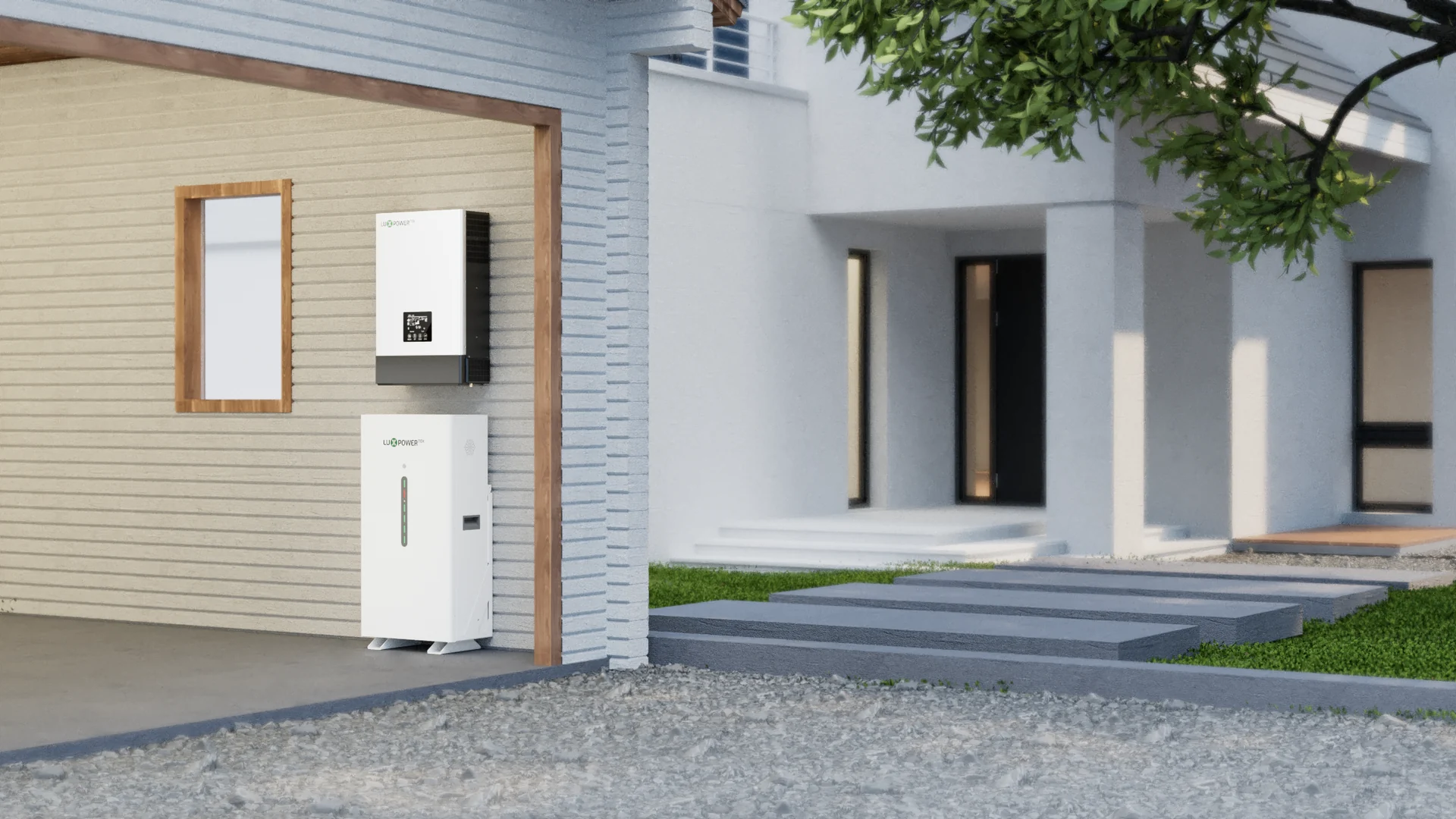
01Blackout protection
Keep the must-run loads on first: lighting, internet, refrigeration, POS terminals or security equipment. The inverter and battery should be sized around those loads, not around a guess.
Explore blackout solutions
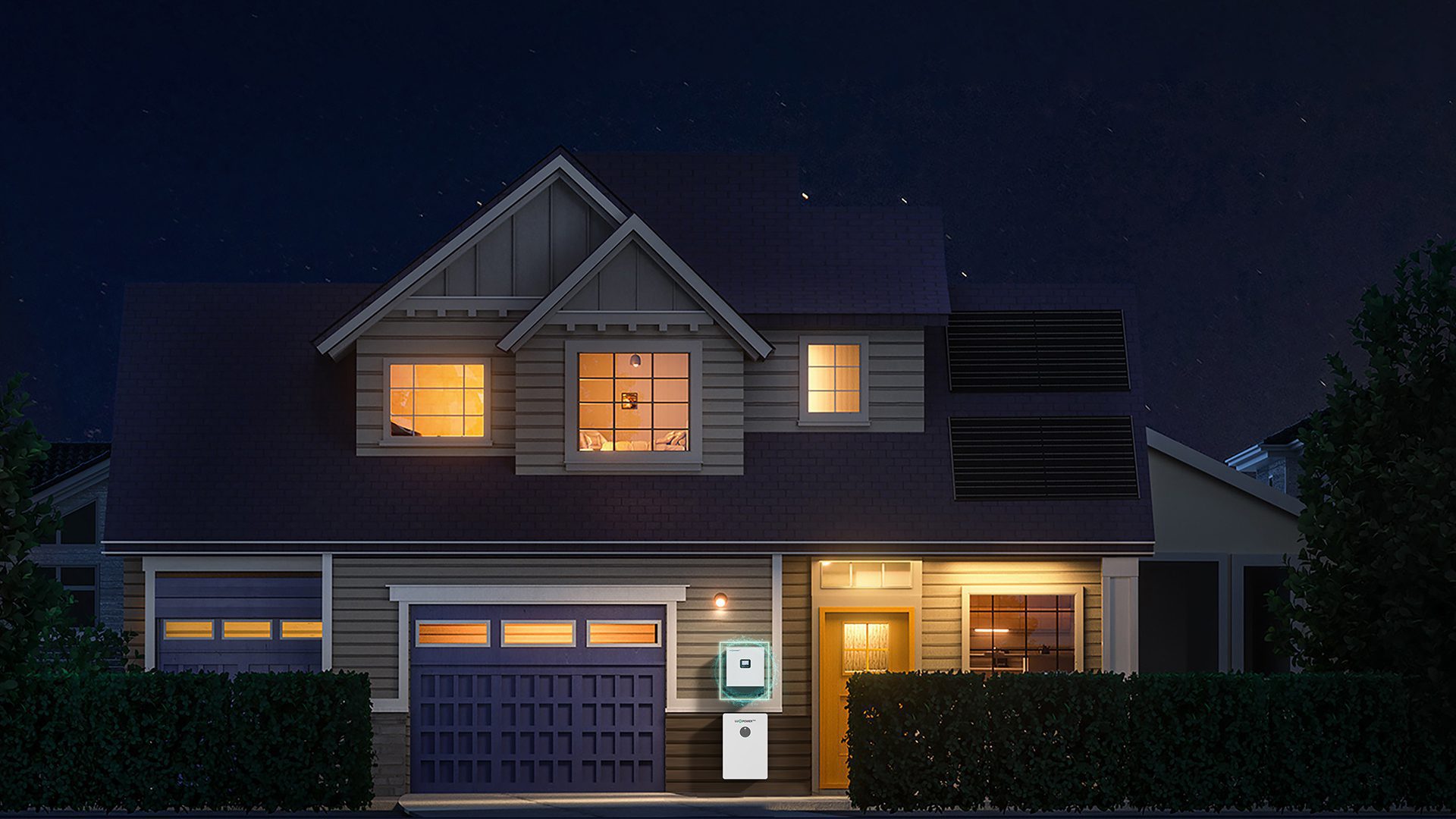
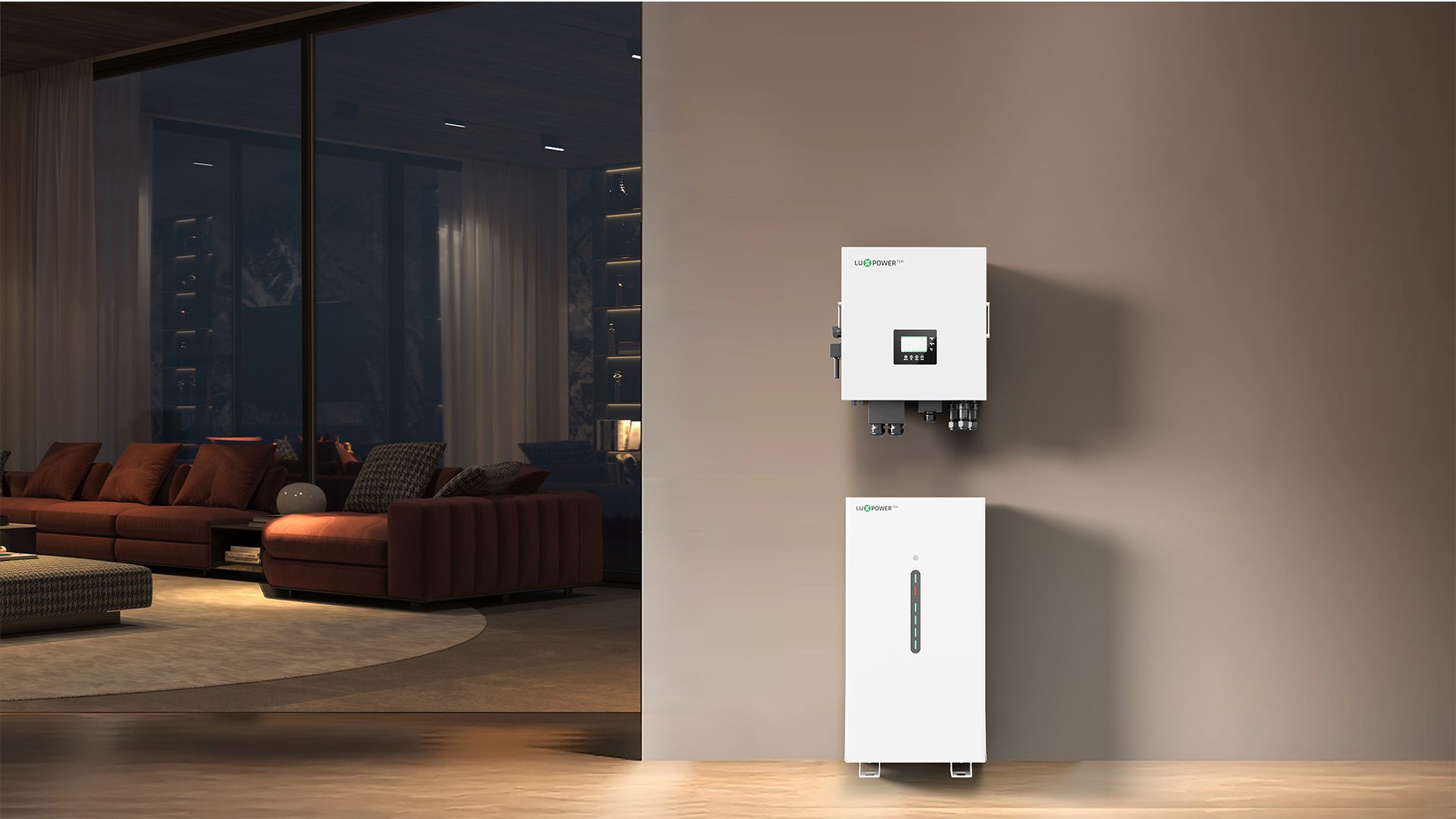
Start with the power problem you actually have. Maybe the lights drop every evening. Maybe generator fuel is eating into shop margins. Maybe you need home battery backup that is sized from real loads, not guesswork. This page groups the main paths for a solar backup solution in Nigeria, then points you to the right inverter, lithium battery storage and LuxCloud support pages.
Scenario guide
The best-looking inverter is the wrong one if it cannot carry the loads you care about. For a small flat, that may mean lights, Wi-Fi and a fridge. For a larger home or shop, it may mean hybrid solar, battery storage, generator input and a system that can grow later.
01Keep the must-run loads on first: lighting, internet, refrigeration, POS terminals or security equipment. The inverter and battery should be sized around those loads, not around a guess.
Explore blackout solutions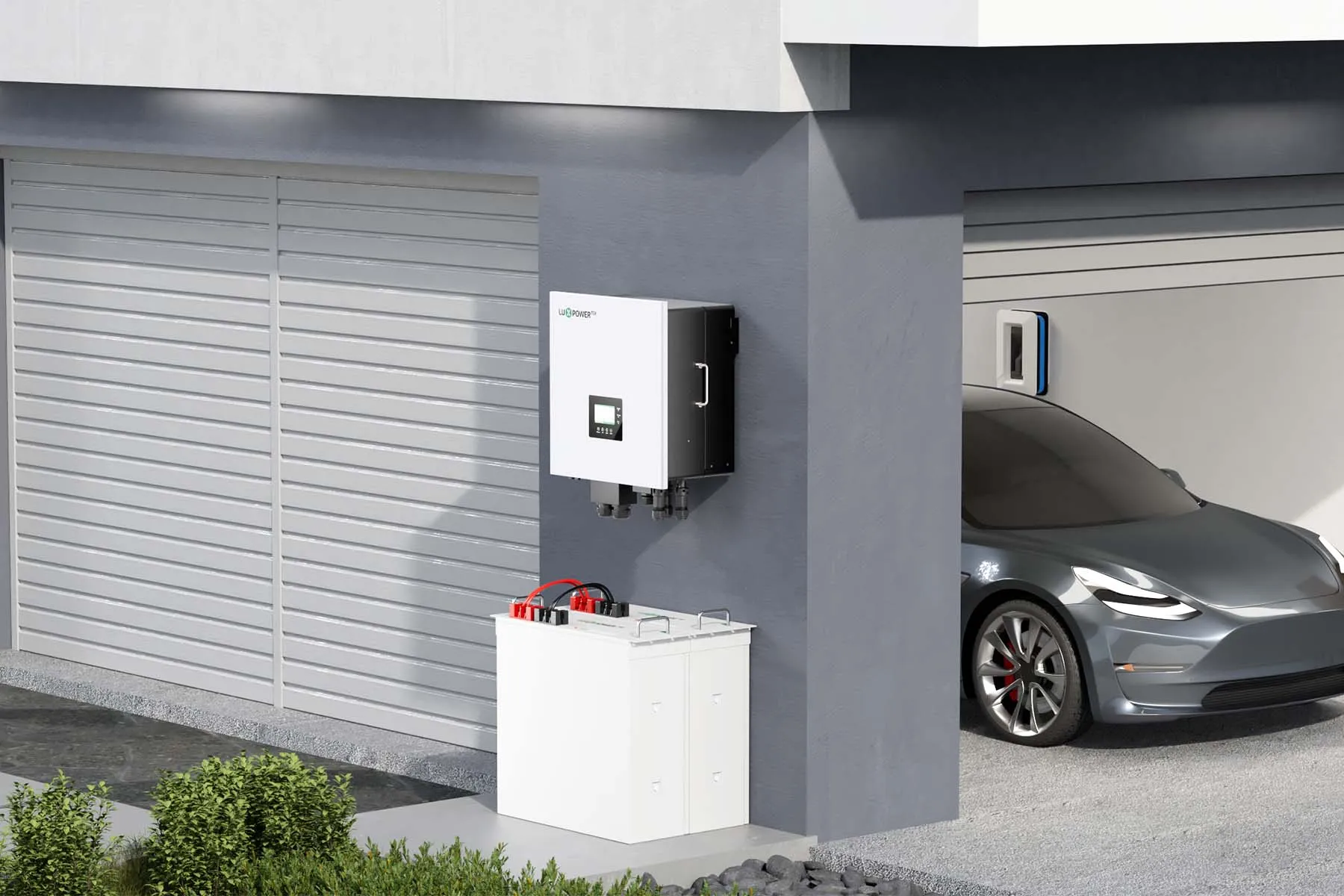 02
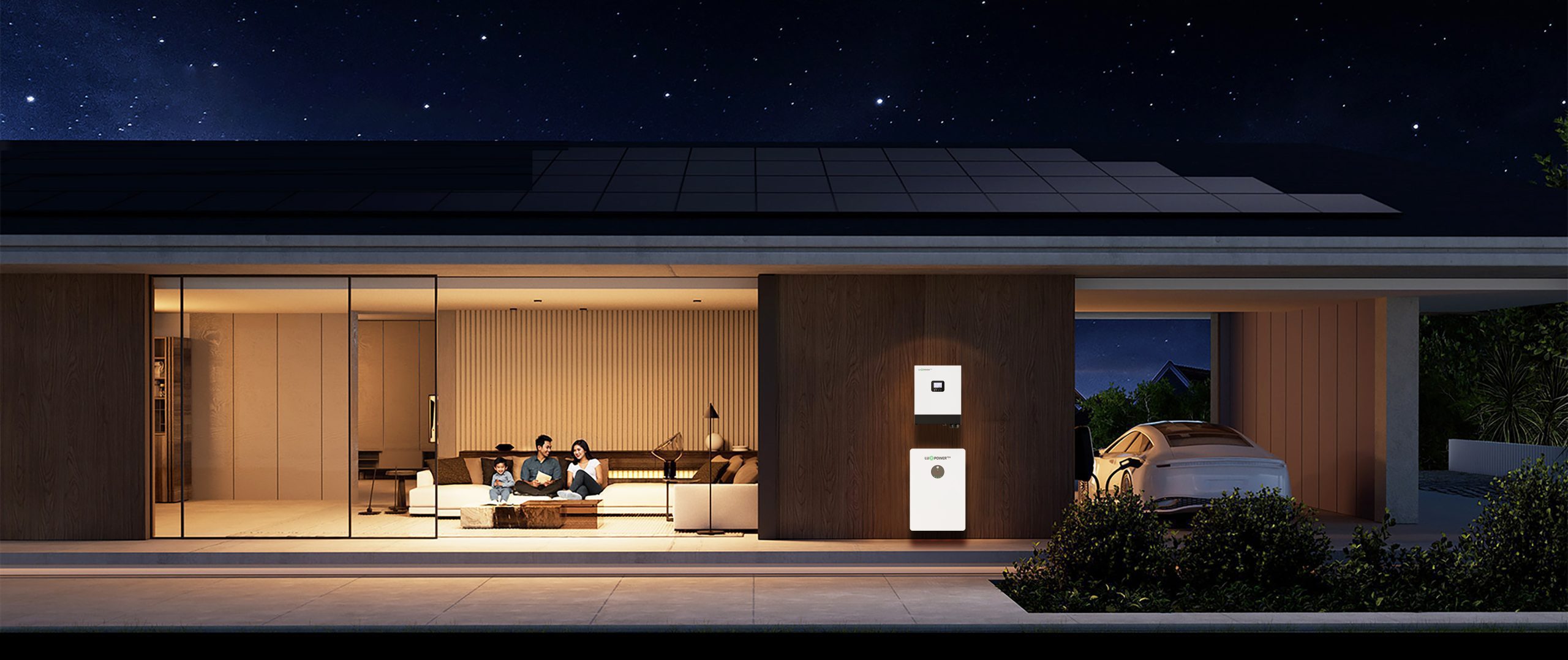
02Use daytime solar to carry part of the load, then store energy for the evening. Savings depend on usage, roof space, settings and generator habits, so the plan needs real load numbers.
Plan bill reduction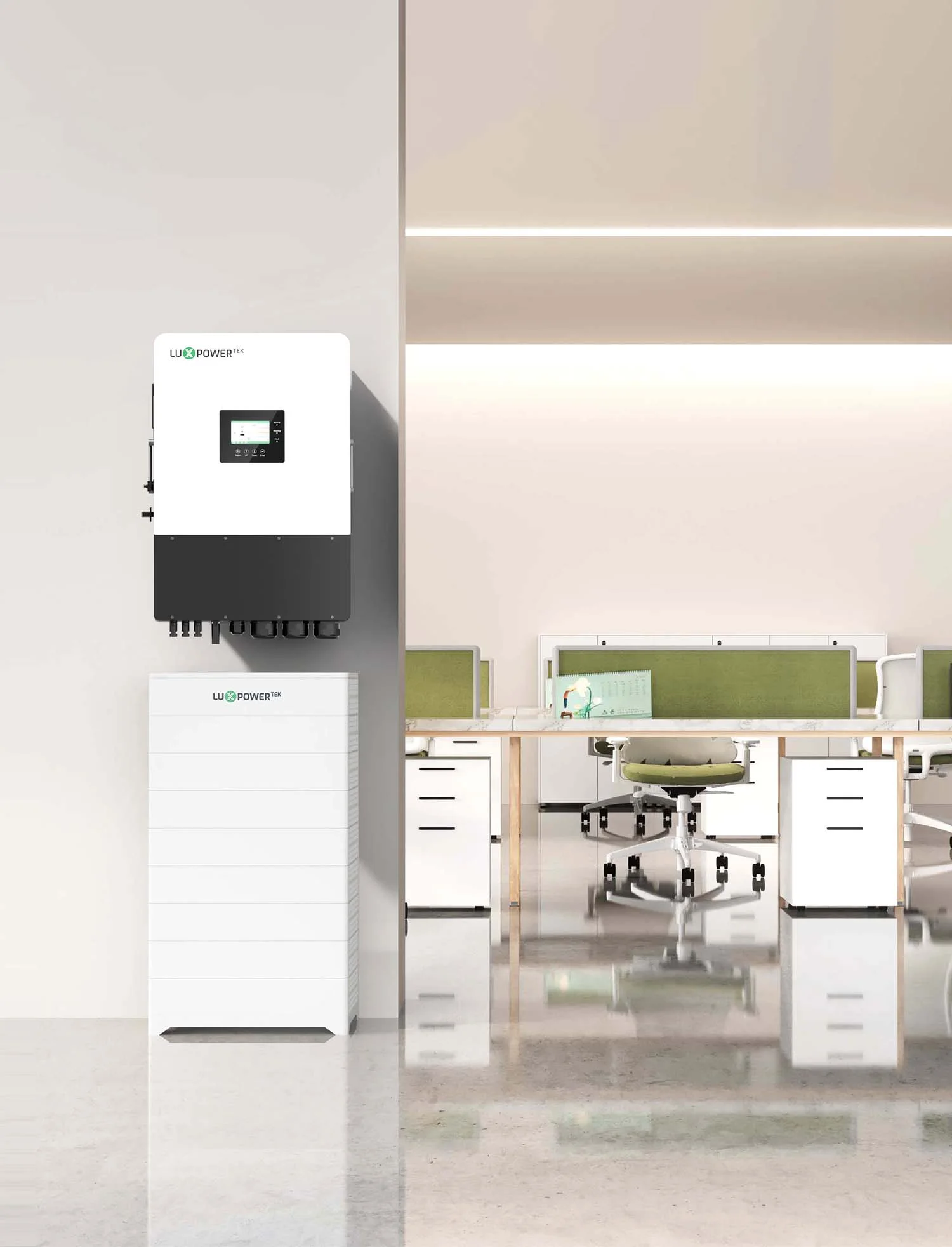 03
03For shops, clinics and offices, short outages can stop sales or damage stock. Size the system around business hours, starting current and the equipment that cannot go off.
View business backup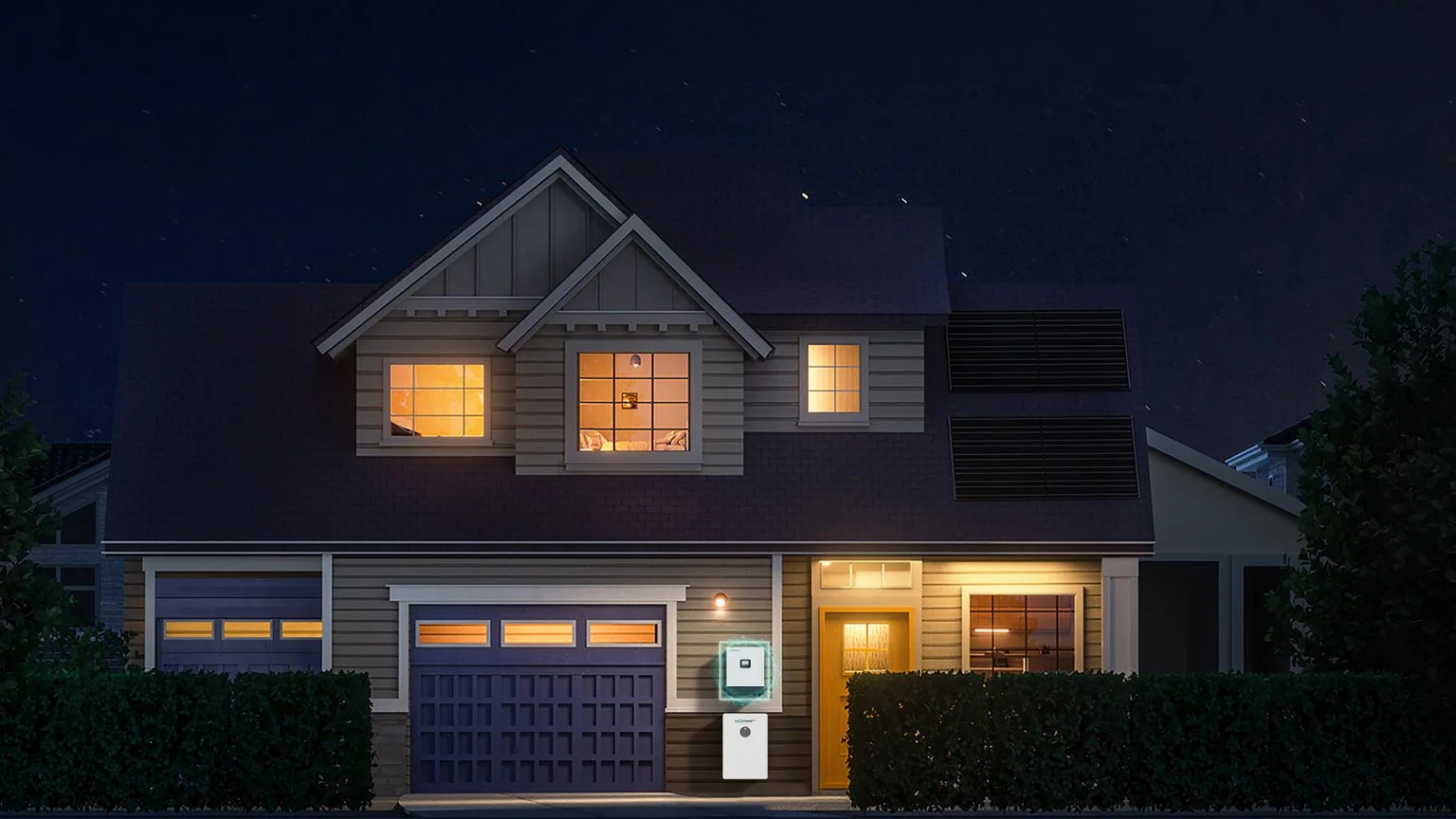 04
04Match inverter kW, usable battery capacity, PV input and expansion plans before picking models. It is cleaner than replacing parts later.
Compare complete systems| Problem | Sensible starting point | Check before quoting |
|---|---|---|
| Essential home backup | Single-phase off-grid or hybrid inverter with 48/51.2V battery storage | Must-run loads, backup hours, PV input, BMS compatibility and generator use |
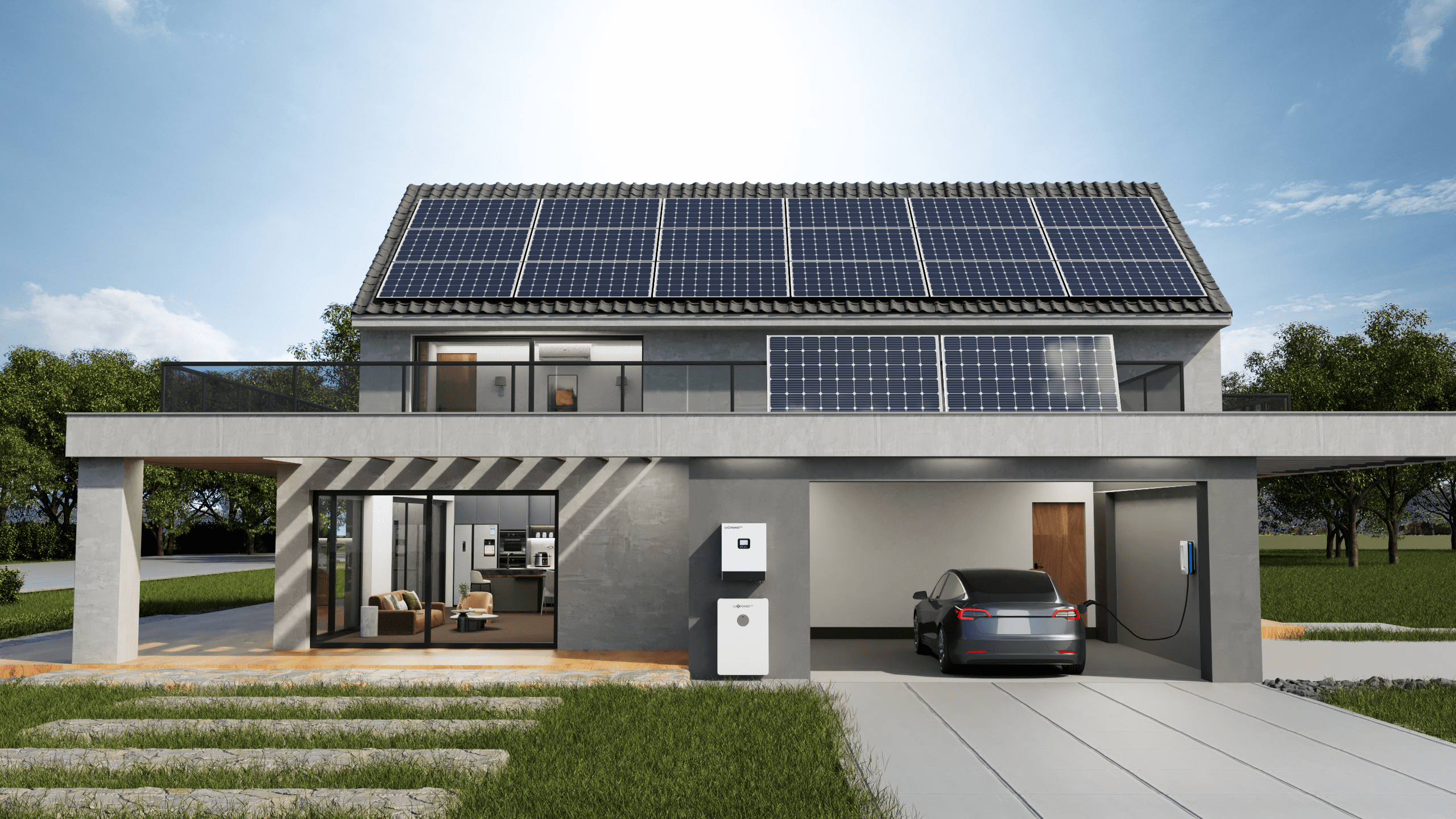
| Solar bill reduction | Hybrid solar inverter with daytime solar use, battery cycling and LuxCloud monitoring | Daytime usage, roof space, charge/discharge settings and realistic savings assumptions |
| Larger home or small business | Higher-power single-phase or three-phase hybrid system | Supply phase, motor starts, peak load, runtime target, protection and service access |
| Expandable energy storage | Compatible inverter family with modular lithium battery storage | Parallel limits, firmware, communication protocol, battery age and installation environment |
Product links
Once the load and backup goal are clear, these category pages help compare equipment without burying the visitor in model numbers.
After the system is installed, LuxCloud gives owners and installers a place to check PV output, battery charge and discharge, grid or EPS status, running data and events. Use it for visibility. Safety settings still belong in the product manual and installer handover.
Learn about LuxCloud monitoringStart with the appliances that must stay on during an outage. Lights, Wi-Fi and a fridge are a different job from full-home comfort backup, so the inverter and usable battery capacity should be sized separately.
Many LuxpowerTek systems can be planned with generator input, but the wiring, settings and model compatibility should be checked against the current manual before installation.
List the loads in watts, decide how many hours they need to run, then allow for inverter losses, usable depth of discharge, battery current limits and future expansion.
Yes, especially for POS systems, refrigeration, lighting, computers, pumps and tools. The design should also allow for starting current and the hours the business actually operates.
Use off-grid when backup is the main job, hybrid when solar, grid, battery and generator need to work together, and all-in-one when an integrated residential package fits the load and expansion plan.
Local project support
Share your loads, supply type, target backup time and installation location. Our team can help narrow the inverter and battery options before a final site assessment.
 Download