


Product resources
Manuals before field work
Use the exact product document before installation, servicing, firmware checks or battery matching. Similar model names can have different limits.
Open downloads
Localized service support
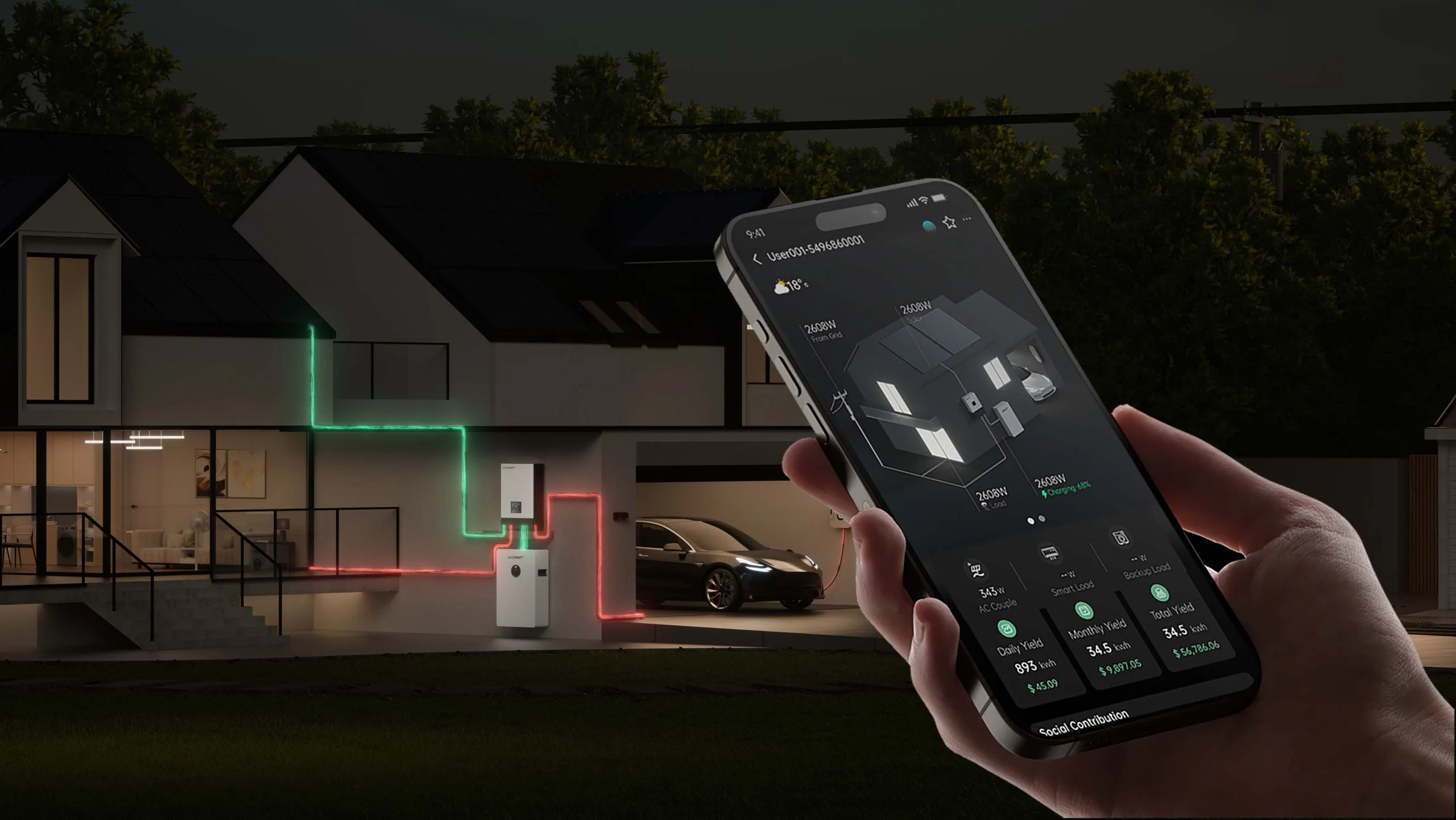
Use the support desk as the front counter for LuxpowerTek Nigeria support: product downloads, warranty guidance, LuxCloud monitoring or local Lagos, Abuja and Port Harcourt contact. For technical support, include the model name, serial number, dongle SN/PIN, photos or PDF files and a short note on what changed before the fault appeared.
Service support
A useful support page separates digital service, product resources and local contact clearly. This page keeps those paths visible without hiding the practical details installers need.
Easier operation & maintenance
Before escalating a support case, open LuxCloud and check the plant, inverter, PV, battery, grid and load data. The LuxCloud 2.0 flow can help installers create a plant, bind the dongle and review events so the Nigeria team starts from evidence, not guesswork.
Product resources
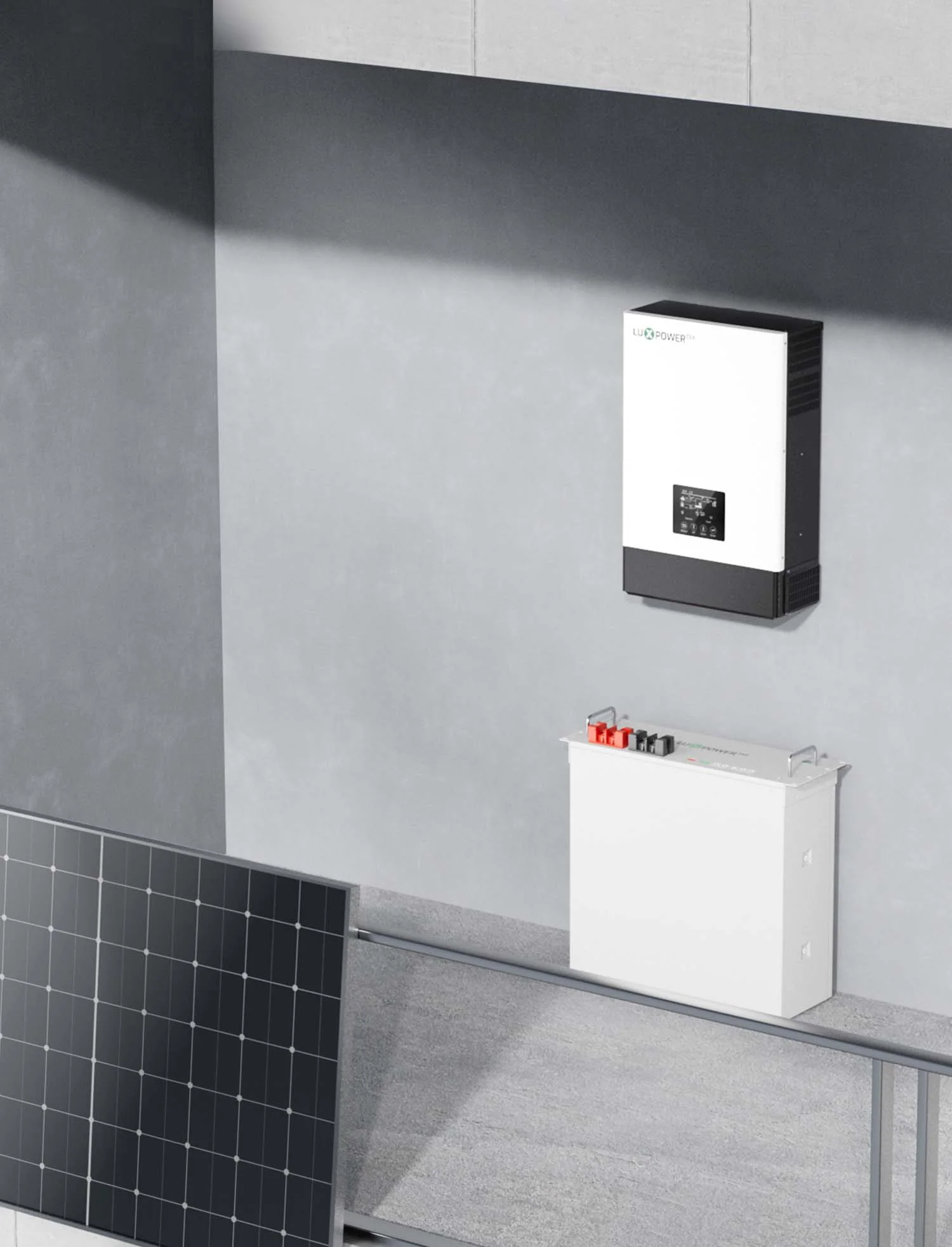
Use the exact product document before installation, servicing, firmware checks or battery matching. Similar model names can have different limits.
Open downloadsWarranty support
Check warranty information first, then keep purchase details, installation details, model names and serial numbers ready if the issue needs review.
View warrantyInstaller handover
For system handover or troubleshooting, note battery model, inverter serial number, dongle SN/PIN, installer code if used, site location and screenshots.
Contact supportDedicated Nigeria service support
For sales, technical questions, project support or after-sales review, use the Nigeria contact page for Lagos, Abuja and Port Harcourt details. A short but complete message helps the team route the request faster.
Use the Download page and choose the file for the exact model. Do not rely on a similar-looking model name when checking limits, wiring or battery compatibility.
Send the inverter model, battery model, dongle SN/PIN if relevant, photos or screenshots, the fault or event description, installation location and the load or backup goal.
Create the plant after account registration, then bind the dongle. Depending on the device, LuxCloud may support SN/PIN entry, QR-code scanning or Bluetooth binding.
Some supported models allow remote settings, but options vary by product and firmware. Battery, generator and operating-mode settings should stay with a qualified installer.
Check the Wi-Fi password, router internet, dongle LEDs, plant binding and server selection. Keep the dongle serial number ready if the issue needs support.
Open the Warranty page for the online checker and warranty documents, then contact the Nigeria team if a claim or document review is needed.
Local project support
Share your loads, supply type, target backup time and installation location. Our team can help narrow the inverter and battery options before a final site assessment.
 Download